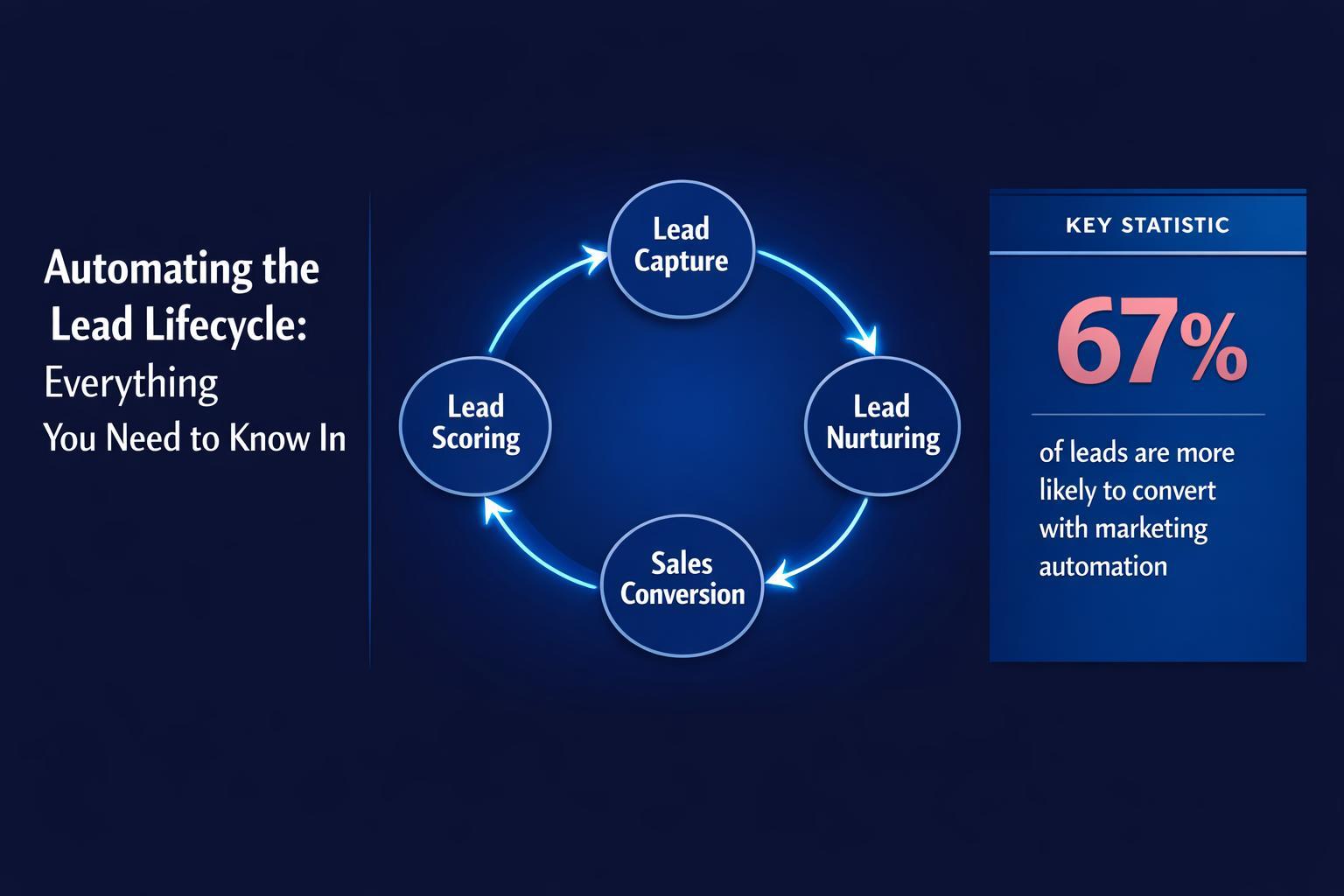
Speed is the new currency. Here is how to use Revspire and AI to automate your lead lifecycle from “Click” to “Close” without lifting a finger.
On this page
- What is a Lead Lifecycle?
- The 8 Stages of the Lifecycle
- Why Automation Matters (Speed to Lead)
- Step-by-Step Guide to Automation
- Step 1: Define Stages
- Step 2: The Tech Stack
- Step 3: Hyper-Personalization at Scale
- Step 4: Behavioral Lead Scoring
- Step 5: Integration
- Final Thoughts
Spending endless hours running your lead lifecycle?
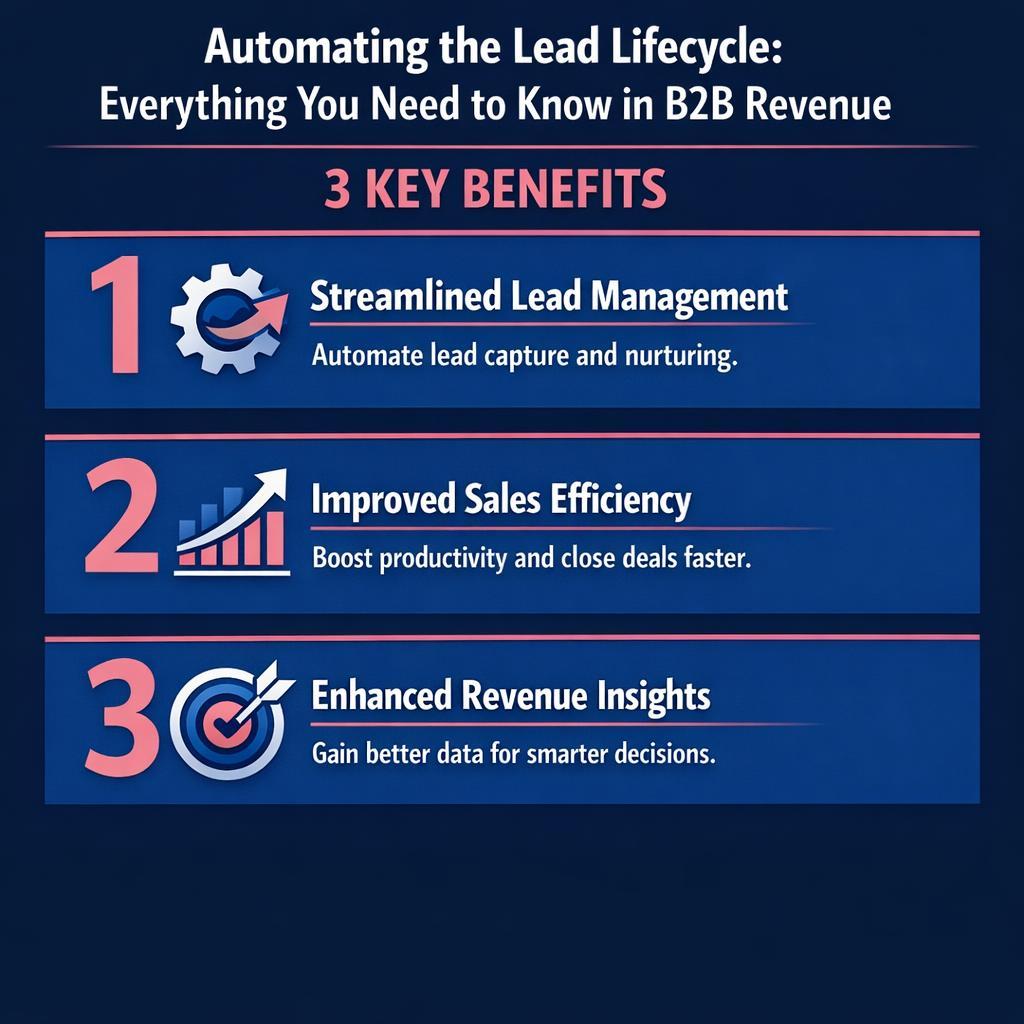
Do you have too many messages and not enough time? The secret to keeping ahead is Automation. But in 2026, automation isn’t just “Mail Merge.” New generative AI technologies can speed up response times and ensure you convert as many prospects as possible.
In this article, we explore how to use Revspire to automate the journey from stranger to advocate.
What is a Lead Lifecycle?
The lead lifecycle is the transit of a lead from initial interest to the final sale. In some ways, the lead lifecycle is equivalent to the buyer journey. During this cycle, Marketing attracts the leads, and Sales converts them. But the handoff between the two is where deals die. Automation fixes the handoff.
The 8 Stages of the Lead Lifecycle
Leads don’t grow on trees. You need to nurture them through these 8 stages:
- Awareness: They find you (LinkedIn, SEO, Ads).
- Interest: They sign up for a newsletter.
- Engagement (MQL): They download an eBook or attend a webinar.
- Consideration (SQL): They request a demo or view pricing.
- Intent (SQO): They ask for a proposal.
- Conversion: They sign the contract.
- Post-Purchase: Onboarding and implementation.
- Advocacy: They refer new business.
Why Lead Lifecycle Automation Matters
Speed of reply is the #1 factor in conversion. While some companies reply within 5 minutes, many take days. Automation allows you to reply instantly. But more importantly, it ensures Consistency. A robot never forgets to follow up, and a robot never sends the wrong attachment.
How to Automate Your Lead Lifecycle with Revspire
Step 1: Define Your Lead Stages
Map the journey. What does a lead need at the “Consideration” stage?
- Answer: They need pricing and social proof.
- Automation: Trigger a Revspire Deal Room containing case studies and a pricing calculator the moment they hit the “Request Pricing” button.
Step 2: Choose Your Tools
You need a stack that talks to each other.
- CRM: Salesforce or HubSpot (The Database).
- Engagement: Revspire (The Experience Layer).
- Chat: Intercom or Drift (The Real-Time Layer).
Step 3: Segmentation and Personalized Communication
How do you automate without losing the personal touch? Revspire Auto-Gen Rooms.
Instead of sending a generic “Thanks for your interest” email, use Revspire to auto-generate a personalized microsite.
- Trigger: Lead fills out a form on your website with the domain “@cocacola.com”.
- Action: Revspire scrapes their logo, brand colors, and industry data, creating a “Coca-Cola x [Your Company]” Deal Room instantly.
- Result: The prospect receives a fully branded experience in their inbox 30 seconds after clicking submit.
Step 4: Implement Behavioral Lead Scoring
Stop scoring based on clicks. Score based on Intent. Revspire feeds behavioral data back into your CRM.
- Standard Score: +5 points for opening an email.
- Revspire Score: +50 points for viewing the “Legal Terms” document for 5 minutes. Set a threshold: If a lead hits 50 points, auto-assign them to a human rep for a call.
Step 5: Integrate Systems for Data Flow
You want to minimize data silos. Revspire integrates bi-directionally.
- When a prospect signs a contract in the Deal Room -> Salesforce updates the Opportunity to “Closed Won” -> HubSpot triggers the “Welcome Email.”
- This creates a seamless flow from Sales to Customer Success without manual data entry.
Step 6: Monitor, Optimize, and Retarget
Use Revspire Analytics to A/B test your content.
- Test: Do leads convert faster with a Video Intro or a Written Intro?
- Retargeting: If a lead viewed the room but didn’t book a meeting, trigger a retargeting ad on LinkedIn specifically for that account.
Final Thoughts
The lead lifecycle is complex, but managing it shouldn’t be. Revspire is the key tool in maintaining personalization within your automated lifecycle. Our auto-personalized, interactive, and trackable spaces support every step of the journey, from cold outreach to onboarding.
Ready to automate your growth? [Link to Revspire Demo]
Platforms like Revspire Deal Room and Revspire Content Hub are purpose-built to help revenue teams execute on strategies like the ones covered above.
How Revspire Fits In
Everything discussed in this post is something Revspire was built to solve. See how Revspire helps revenue teams build and manage pipeline more intelligently — all in one agentic revenue enablement platform designed for modern B2B teams.
Book a 20-minute Revspire demo and see it live.
Leave a Reply