Welcome to Revspire
Revspire is a specialized Sales Enablement Platform designed to bridge the gap between your marketing strategy and sales execution.
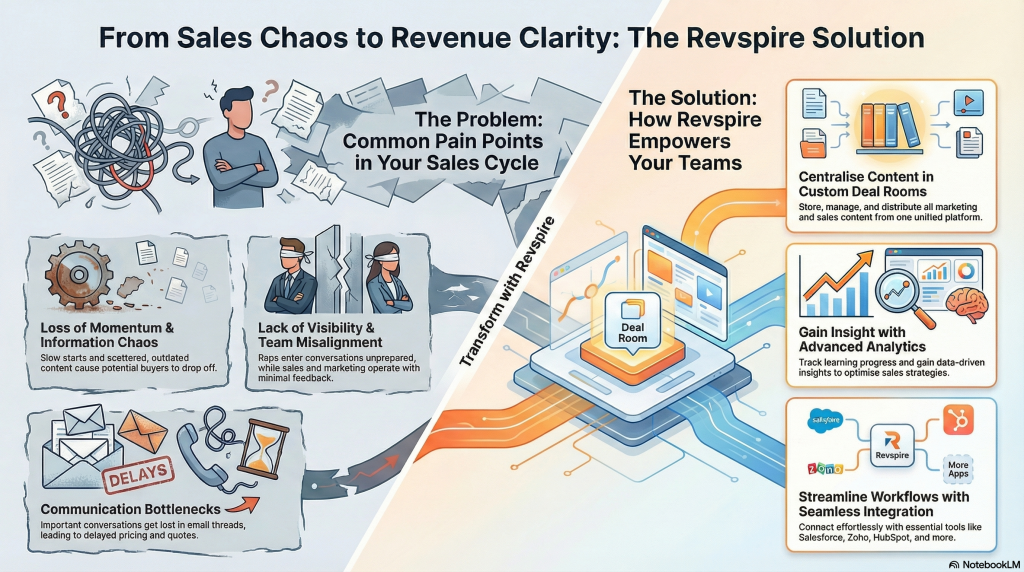
Think of the platform as a single ecosystem where content is centrally managed, personalized for buyers, and tracked for engagement. It eliminates the chaos of searching through local drives or emails and replaces it with a streamlined “Sales Engine.”
The “Core Players”: How the System Works
To understand Revspire, you need to understand the relationship between its three main pillars.
1. The CMS (Content Management System)
- Role: The “Internal Library.”
- Function: This is the single source of truth for all your collateral (PDFs, videos, decks). It is where Marketing and Enablement teams organize “gold standard” content.
- Key Concept: Content lives here, but it is pushed to the Pitch module for sharing.
2. The Pitch Module (The Sales Engine)
- Role: The “External Stage.”
- Function: This is where Sales Reps take content from the CMS and package it for the customer. Instead of sending email attachments, you create a Deal Room.
- Key Concept: A Deal Room is a personalized, secure microsite where your customer views your proposal, watches videos, and reads case studies all in one place.
3. Analytics & Intelligence
- Role: The “Feedback Loop.”
- Function: Once a Deal Room is shared, the system tracks every click, view, and share.
- Value: It tells Marketing which content is working and tells Sales when a prospect is interested (e.g., “The prospect just spent 5 minutes reading the pricing page”).
Key Terminology
Before you start, familiarize yourself with these terms:
| Term | Definition |
| Deal Room | A branded, web-based environment where you share documents with a specific prospect. |
| Playbook | A guided collection of content and scripts tailored for a specific sales stage or competitor scenario. |
| AI Search | The intelligent search bar (Top Header) that finds content not just by file name, but by context and tags. |
| Version Hub | The control center for managing document updates. It ensures no one ever uses an outdated file. |
Navigating Your Workspace
The interface is divided into three primary zones to keep you focused:
- The Sidebar (Left): Your main navigation. Use this to switch between the CMS (Content Portal), The Sales Engine (Pitch), and Analytics.
- The Dashboard (Center): Your daily command center. Here you will see:
- Activity Feed: Real-time alerts when prospects view your pitches.
- Favorites & Recents: Quick shortcuts to your most-used files.
- Top Domains: A snapshot of which prospect companies are engaging with you the most.
- The Utility Headers (Top & Right): Access to global tools like AI Search, Notifications, and your User Profile settings.