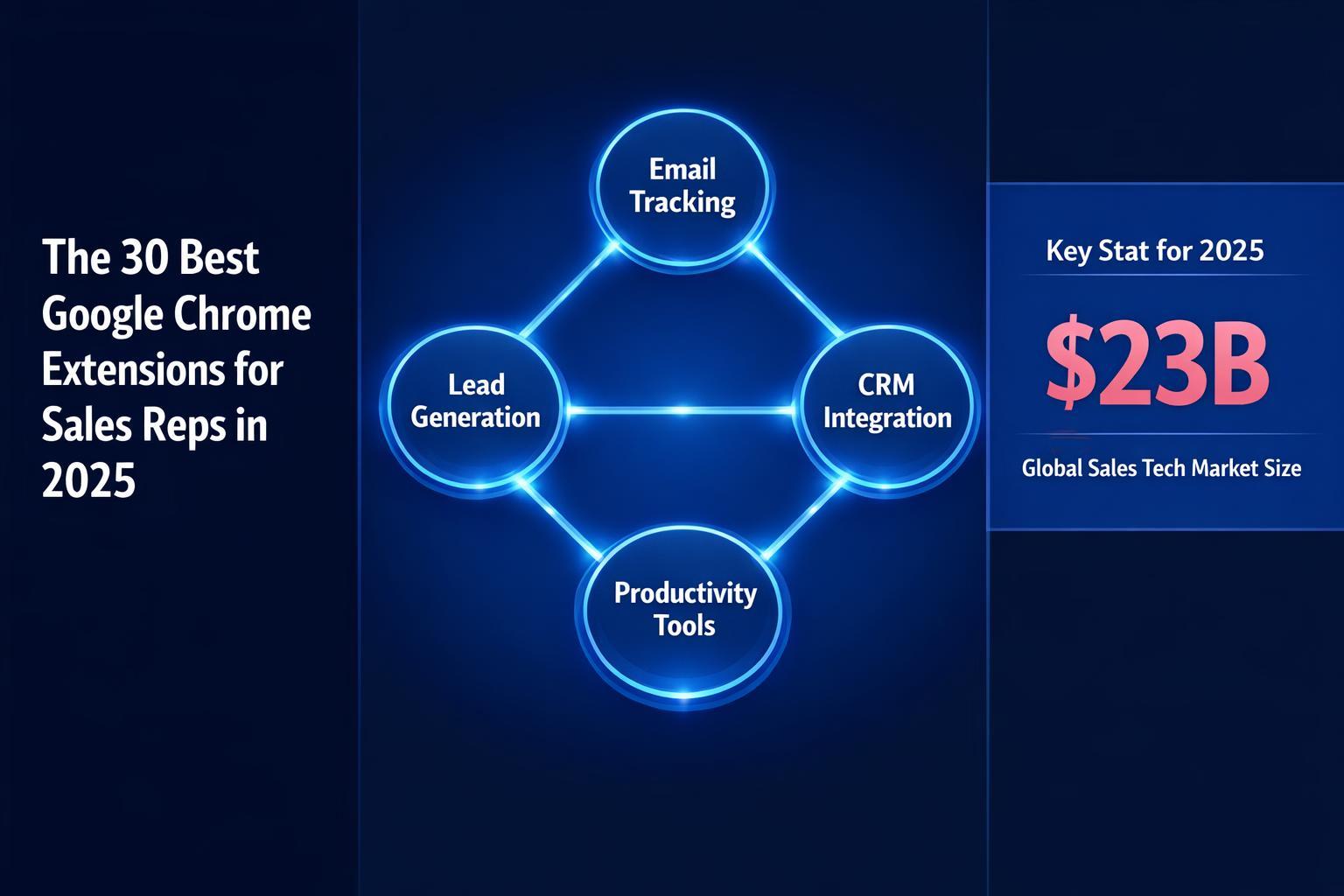
Stop drowning in tabs. Here are the 30 essential browser tools to automate admin, find hidden emails, and close deals faster.
On this page
- The “Browser-First” Sales Strategy
- CRM & Pipeline Management Extensions
- Prospecting & Data Extensions
- Email & AI Writing Extensions
- Video & Demo Extensions
- LinkedIn & Social Selling Extensions
- Productivity & Focus Extensions
- The Ultimate Connector: Revspire
- FAQs
The “Browser-First” Sales Strategy
Sales is no longer about who has the loudest voice; it’s about who has the fastest workflow. You can get bogged down for days in prospect research, data entry, and tab switching. That’s not a valuable use of your time.
Fortunately, the Google Chrome Web Store is a goldmine for sales efficiency. We’ve curated the 30 best extensions for 2025, organized by category, to turn your browser into a closing machine.
CRM & Pipeline Management Extensions
Your CRM is your source of truth, but visiting it 50 times a day is a productivity killer. These tools bring the CRM to you.
1. Scratchpad If you use Salesforce, you need Scratchpad. It turns the clunky Salesforce interface into a fast, spreadsheet-like view that lives in a new tab. Update pipeline, notes, and next steps without the lag.
2. Dooly Dooly syncs your meeting notes directly to Salesforce, HubSpot, or Pipedrive. It identifies the context of your notes and auto-fills fields, saving you hours of admin work every week.
3. HubSpot Sales A classic for a reason. This extension connects your inbox to your CRM, allowing you to track email opens, log activity automatically, and view contact details without leaving Gmail.
4. Streak CRM Turn your Gmail inbox into a CRM. Streak allows you to manage pipelines, track deals, and execute mail merges directly inside the Gmail interface. Perfect for smaller teams or individual contributors.
5. Salesforce Lightning The official extension allows you to view and update Salesforce records directly from Gmail or Outlook. It’s essential for enterprise reps who need to log emails against specific opportunities.
Prospecting & Data Extensions
A fresh flow of qualified prospects is the lifeblood of any organization. These tools help you find the right people instantly.
6. Apollo.io The heavyweight champion of data. The Apollo extension sits on top of LinkedIn and company websites to reveal email addresses, phone numbers, and revenue data instantly.
7. Lusha Known for its high accuracy with mobile numbers. Lusha is indispensable for cold callers who need direct lines to decision-makers.
8. Kaspr A rising star in the data space, Kaspr is excellent for retrieving contact details from LinkedIn and managing your leads in a simple dashboard.
9. Hunter The original email finder. Visit any website, click the fox icon, and see a list of all known email addresses associated with that domain.
10. Seamless.ai A real-time search engine for B2B contact info. It uses AI to validate emails and phones live, reducing bounce rates.
11. BuiltWith Selling software? You need to know what your prospect is already using. BuiltWith scans a website and reveals their entire tech stack (e.g., “They are using Shopify and Klaviyo”).
12. Crystal Knows This AI tool analyzes a prospect’s LinkedIn profile to tell you their DISC personality type. It advises you on exactly how to speak to them (e.g., “Be brief and direct” vs. “Focus on social proof”).
Email & AI Writing Extensions
The average rep spends 28% of their time in their inbox. These tools make you a better writer, faster.
13. Lavender The “Sales Email Coach.” Lavender analyzes your email in real-time and gives it a score (0-100) based on brevity, clarity, and tone. It uses AI to suggest rewrites that are proven to get more replies.
14. Warmer.ai Struggling with the first line? Warmer.ai uses AI to generate hyper-personalized opening lines based on the prospect’s LinkedIn activity or website.
15. Grammarly Never send a typo again. Grammarly checks your tone and spelling across email, LinkedIn, and even your CRM notes.
16. TextExpander (or Magical) Stop typing the same 5 paragraphs over and over. These tools let you create shortcuts (e.g., typing “;intro” auto-fills your standard 3-paragraph introduction).
17. Mailtrack Simple, free, and effective. It puts checkmarks in your sent folder so you know exactly when your emails are read.
Video & Demo Extensions
Video is the highest-converting medium in 2025. These tools make recording easy.
18. Loom The standard for async video. Record your screen and camera simultaneously to walk a prospect through a proposal or answer a complex question without a meeting.
19. Vidyard Designed specifically for sales, Vidyard allows you to track exactly how much of your video the prospect watched.
20. Walnut Create interactive product demos that live in your browser. Instead of a static screenshot, send a clickable, personalized walkthrough of your software.
21. Claap Great for async collaboration. Record a video, and let your prospects leave time-stamped comments directly on the timeline.
LinkedIn & Social Selling Extensions
Social selling is non-negotiable. These tools bridge the gap between social media and your revenue stack.
22. Surfe (formerly Leadjet) This tool connects LinkedIn to your CRM. You can add a LinkedIn profile to HubSpot or Salesforce with one click, and even sync your LinkedIn messages to the CRM activity log.
23. AuthoredUp If you are building a personal brand, AuthoredUp helps you format your LinkedIn posts, preview them on mobile/desktop, and track your analytics.
24. Dux-Soup Automation for LinkedIn. It can auto-visit profiles, send connection requests, and manage drip campaigns (use with caution to stay within LinkedIn limits!).
Productivity & Focus Extensions
Sales requires deep work. These tools keep you focused.
25. OneTab Sales reps often have 50 tabs open. OneTab collapses them all into a single list, saving up to 95% of your computer’s memory and speeding up your browser.
26. LastPass / 1Password You have logins for 30 tools. Stop resetting your passwords. These extensions manage your credentials securely.
27. Todoist A clean, simple to-do list that sits in your browser. Great for tracking quick follow-ups that don’t belong in the CRM.
28. AdBlock Speed up your research by blocking ads on prospect websites and news outlets.
29. WhatFont Great for “design-conscious” selling. Identify the fonts a prospect uses on their website so you can match their branding in your proposals.
30. Momentum Replaces your “New Tab” page with a personal dashboard featuring a daily focus goal, a to-do list, and an inspiring background. Keeps you centered.
What’s Next for Your Sales Stack?
These Chrome extensions can take your work from slow and manual to slick and automated. But extensions are just the accessories. You need a Home Base for your deals.
Revspire fits right into this stack. While extensions help you find the lead and write the email, Revspire is where the deal actually happens. It creates a centralized Digital Deal Room where you can host your Loom videos, your Apollo data, and your HubSpot proposals in one branded link.
Ready to modernize your workflow? [Link to Revspire Demo]
FAQs
What is the best extension for email finding? Apollo.io is currently the most robust all-in-one option, while Lusha is best for direct mobile numbers.
Do these extensions slow down Chrome? They can if you run too many at once. We recommend using OneTab to manage your memory usage.
Can I use these with any CRM? Most listed here (like Dooly and Surfe) are designed to work with major CRMs like Salesforce and HubSpot. Check their specific integrations page
Platforms like Revspire Deal Room and Revspire CPQ are purpose-built to help revenue teams execute on strategies like the ones covered above.
How Revspire Fits In
Everything discussed in this post is something Revspire was built to solve. See how Revspire helps revenue teams win more deals — all in one agentic revenue enablement platform designed for modern B2B teams.
Book a 20-minute Revspire demo and see it live.

Leave a Reply